
To update your credit card details on your account, please follow these instructions.
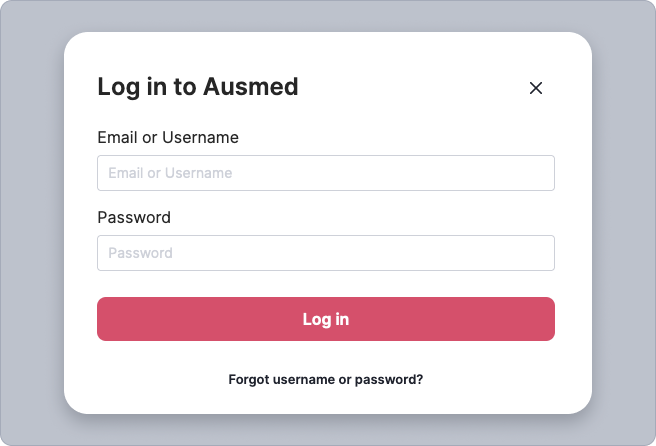
- Log in to your account
- Go to the top right-hand corner of the screen and click your initials or profile picture until a drop-down box appears.
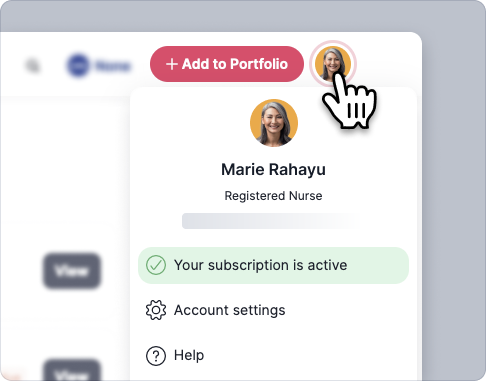
- From your account dropdown menu, select: Account Settings

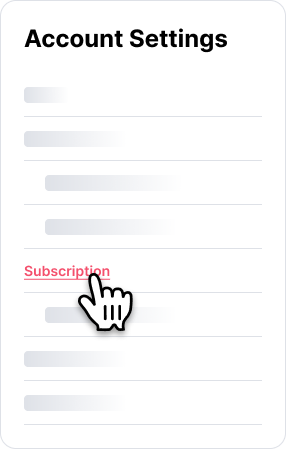
- On the 'Account Settings' page, select: Subscription
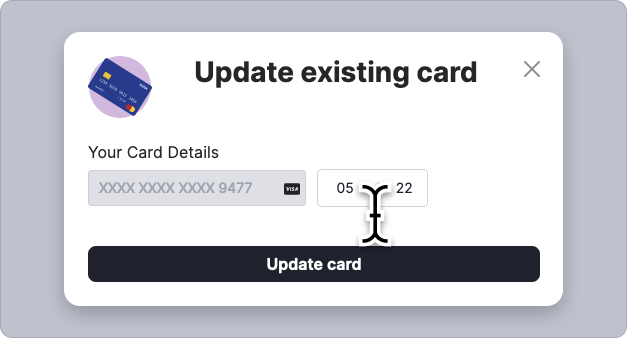
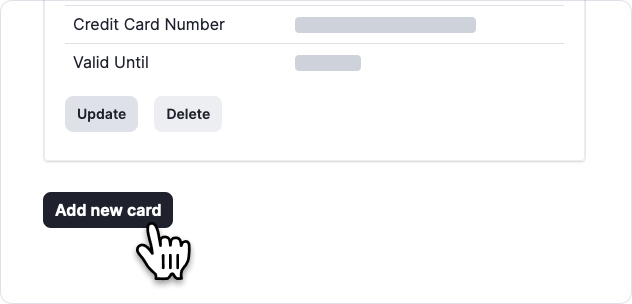
- Scroll down to the Payment Details section and select the 'Update' button for the card you would like to update.

- Enter the updated details and select the button 'Update card'.
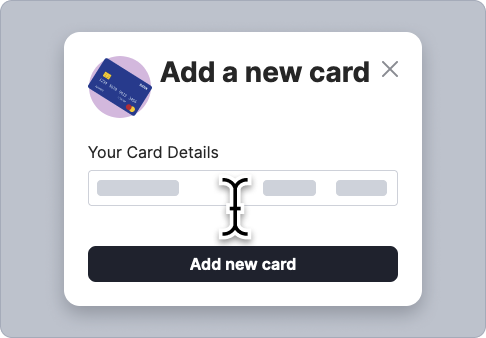
- If you would like to add a new card, select the 'Add new card' button at the bottom of the screen
Note: If you have multiple cards, ensure the correct card is set to primary option for any subscriptions charged.