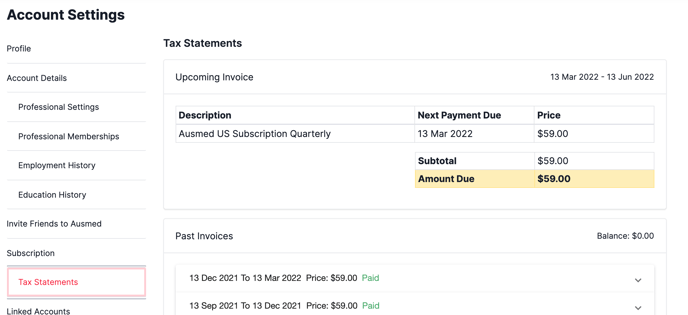
If you are paying for an Ausmed Subscription, you can view your payments and upcoming invoice date, please follow these steps:
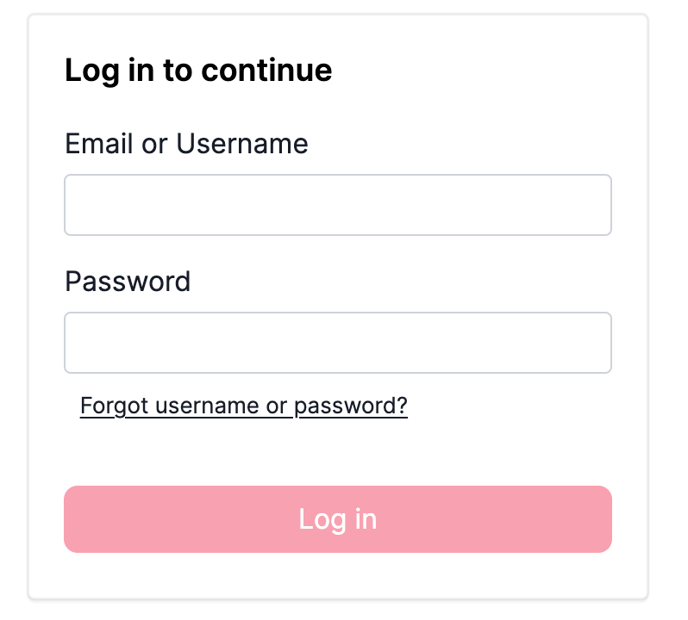
- Log in to your account
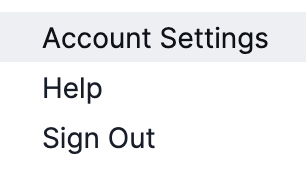
- Go to your Initials Icon (top right-hand corner of the screen)
- Select: Account Settings from the drop-down menu
- Select: Tax Statements (to the bottom left of your screen). You'll be able to view your upcoming invoice date and payment history.